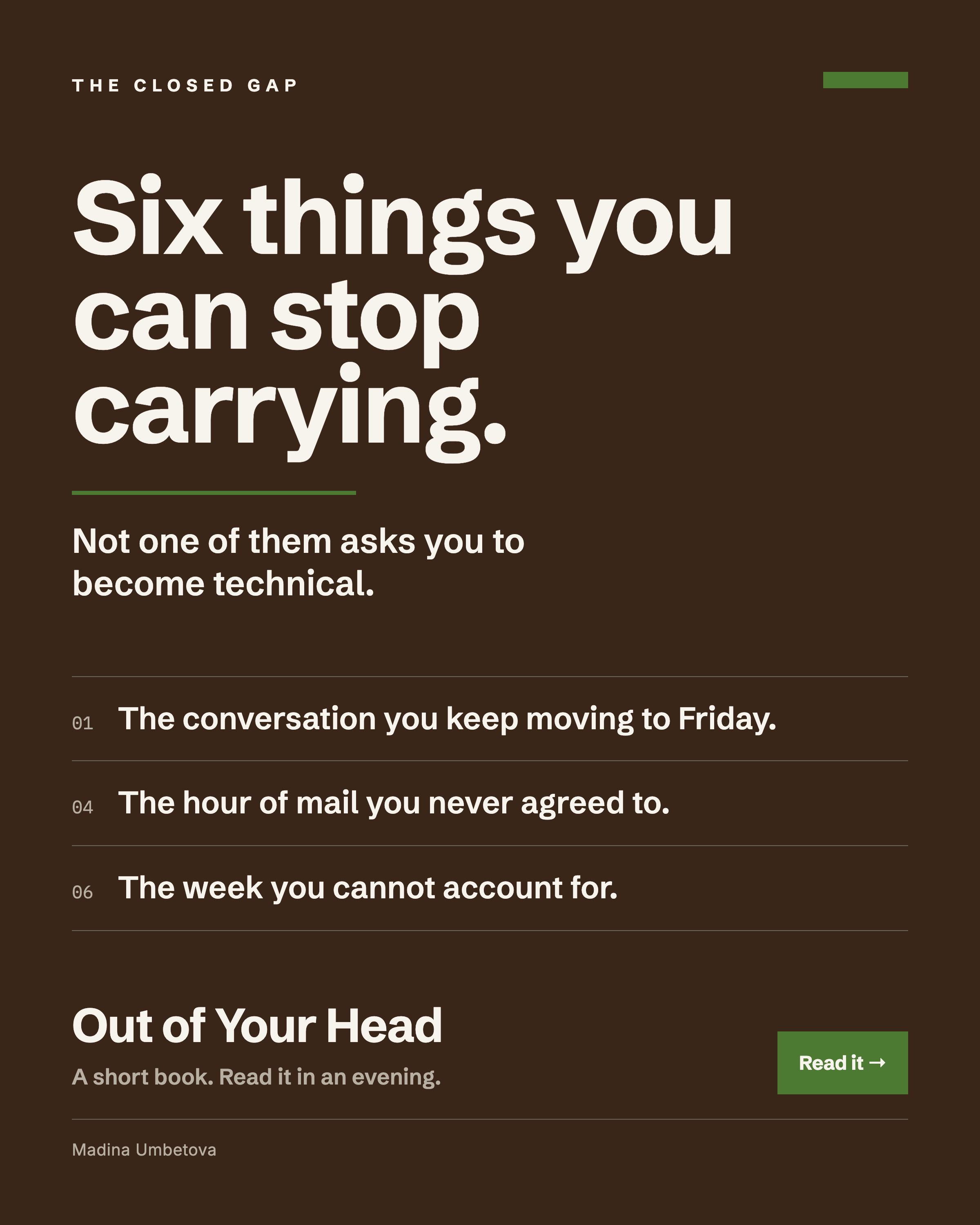
Out of Your Head
Six workflows that take the holding out of your week. Three need nothing but a conversation, and three keep running while you are not looking.
Who this is for
- You already use Claude or ChatGPT the ordinary way: open it, ask a question, read the answer.
- Your week runs on conversations, presentations, meetings and mail, and most of it is stored in your head.
- You want something you can run tonight, with ten minutes of setup at most.
The problem it solves
Most of what makes a week feel unmanageable is the holding. The reply you owe someone, the meeting you have not thought about yet, the conversation you keep moving to next week, the thing you know you have forgotten but cannot name. This book puts six of those down.
What is inside
Part One, nothing to set up. Three conversations you can have tonight in the app you already use.
- 01 The conversation you are dreading: rehearse it against a stand-in who argues back, then walk in with five sentences that hold under pressure.
- 02 The room you have to win: run your proposal past a hostile panel first, in the register the real room will use.
- 03 Saying it so the other side hears it: translate between the people who build it and the people who decide on it.
Part Two, things that run without you. Three that read your mail and your calendar, ten deliberate minutes each, once.
- 04 Your inbox, read for you: sorted before you open it, split by what needs you today and what is happening without you.
- 05 Never walking in unprepared: a brief for every meeting, ready the night before.
- 06 The shape of your day: check in, check out, and a Friday where you can account for the week.
- Appendix A: where to keep the workflows that earn their place, and the rule that stops you hoarding prompts you have never run.
- Appendix B: connecting mail and calendar once, including the policy questions to settle before you click anything.
How to use it
- Open the contents and pick the chapter that matches this week, rather than the one that looks most impressive.
- Part One runs in an ordinary chat. Paste what is written, fill in the brackets with your own situation, and talk to it.
- Part Two needs read access to your mail or calendar. Read Appendix B first and settle the policy question before you connect anything.
- Run one workflow until it has worked twice. Then save it and come back for the next.
Why I made this
I built all six for my own week. I run a global product line, I write, I train twice a day and I raise three children on my own. My test was narrow: does it give me back time or attention I was losing. These six passed, and the ones that did not are not in the book.
Questions
Do I need to be technical?
No. Part One runs in an ordinary chat window with nothing to install. Part Two asks you to grant read access to your mail or calendar once, which is a few minutes of clicking in settings, and Appendix B walks you through it.
Claude or ChatGPT?
Part One works in both. Part Two needs a tool that connects to your mail and calendar, and the book tells you what to look for in the settings of whichever one you use.
Can I connect my work email?
Check before you do. Appendix B covers it: ask whether your company already provides an approved version of the tool, and if the policy is silent or unclear, ask IT rather than deciding for yourself. If the answer is no, run Part Two on a personal account.
How is this different from Your First AI Workflows?
That one is Level 0 to 1: five copy-paste prompts you run when you need them. This is Level 1 to 2: six workflows that repeat, hold your context, and in Part Two run on a schedule without you asking.
Are the examples real?
The workflows are. Every brief, reply and name inside the worked examples is invented, written to show you the shape of what comes back. None of them describes a real meeting, a real colleague or a real business.